
Query features
Query a feature by firstly navigating to your feature on the map so that it is visible in the map screen.
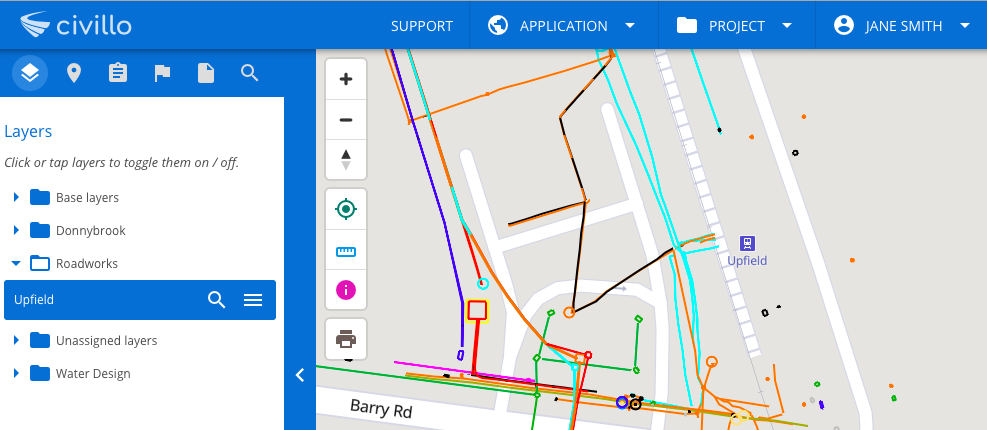
Secondly, select the  icon on the main screen then click on the feature you wish to query. The available information associated with your chosen feature will appear in the alternate bar on the right. Geographic information will appear at the top of the alternate bar, and any extra feature information stored with the data will appear underneath.
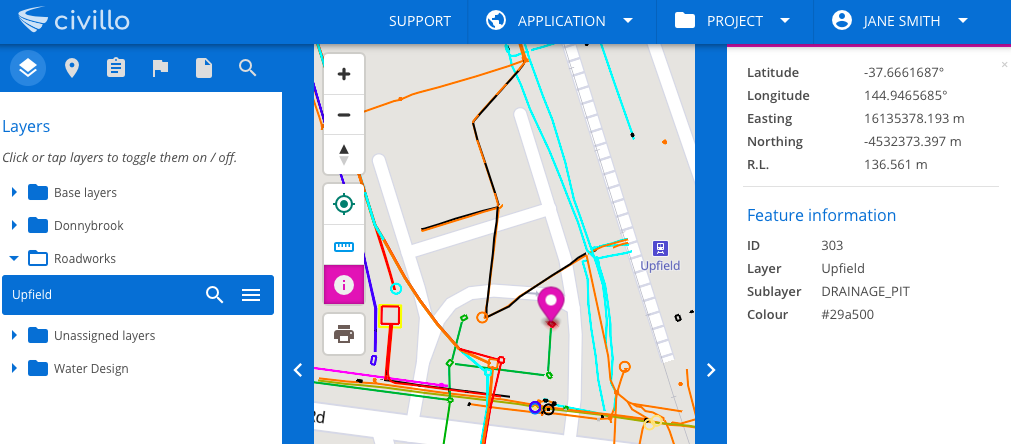
Query a point on the map
Section titled “Query a point on the map”You can query any point on the map, by selecting the tool and then clicking on a point in the map. If this point is not a feature, only geographic information will appear in the sidebar.
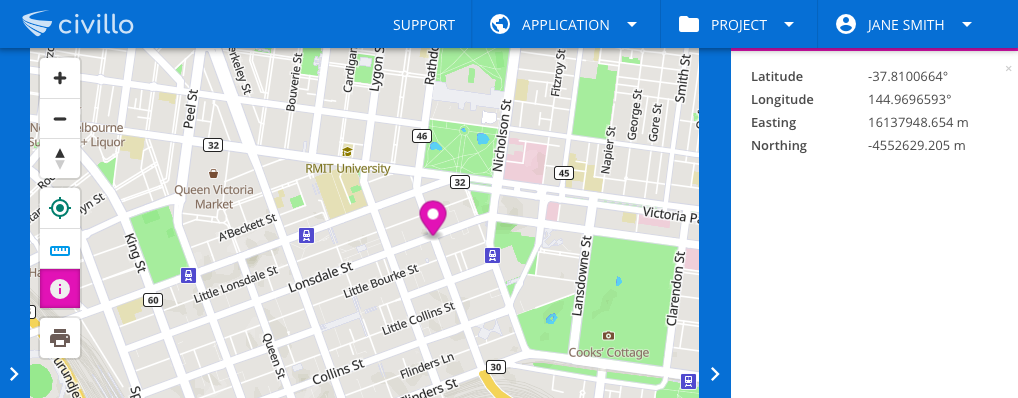
When multiple features are located at the queried point, their information can be cycled through using the left and right arrows.