
How to hold and relinquish a permit
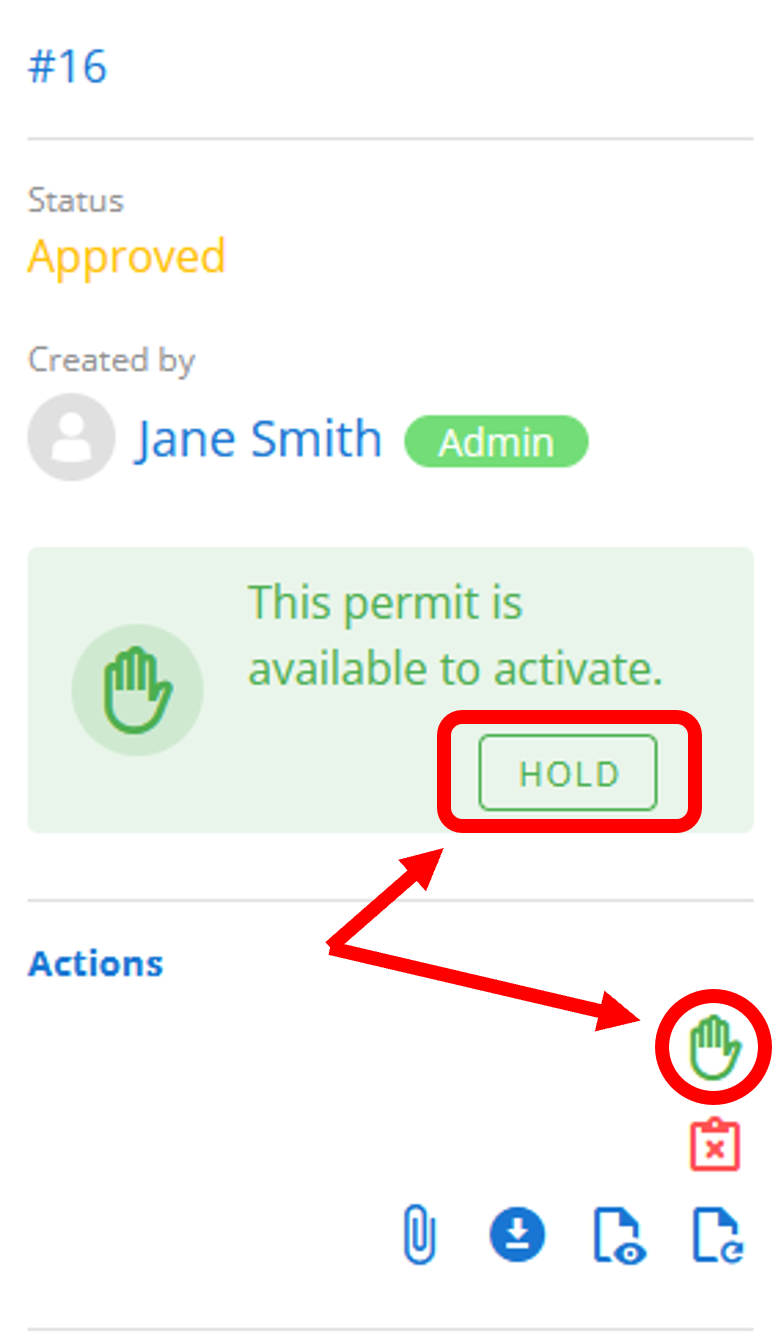
In order to hold a permit, follow the instructions on how to view a permit (ensuring the permit is Approved) then click either the button or the icon shown below:
Relinquish
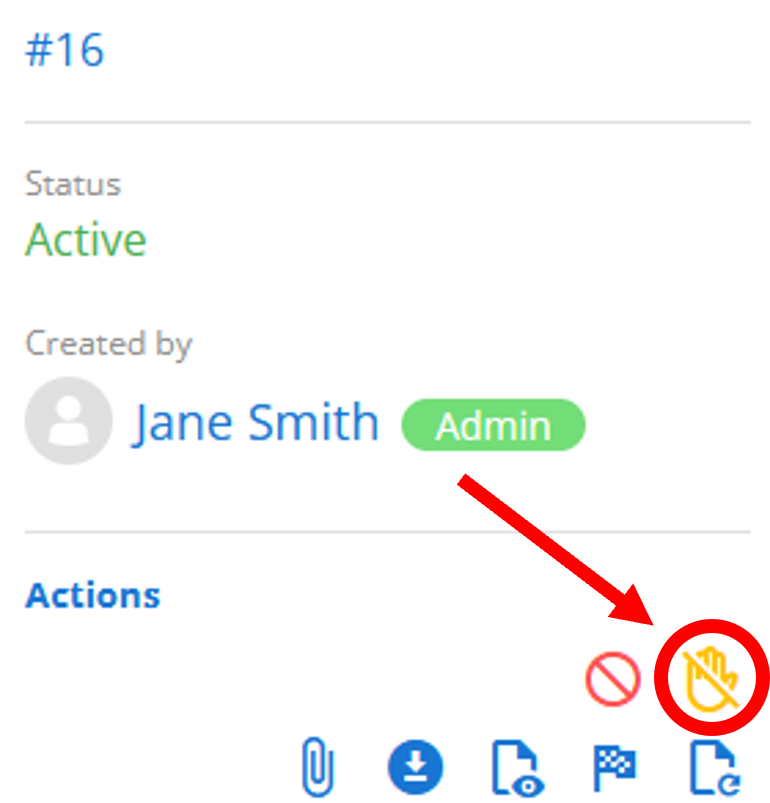
Section titled “Relinquish”Once a permit has been held, it is now in the Active state. The permit holder may choose to relinquish this permit and return it to the Approved state by clicking the icon shown below:
Force relinquish
Section titled “Force relinquish”Please refer to the Admin Guide for how to force-relinquish a permit.